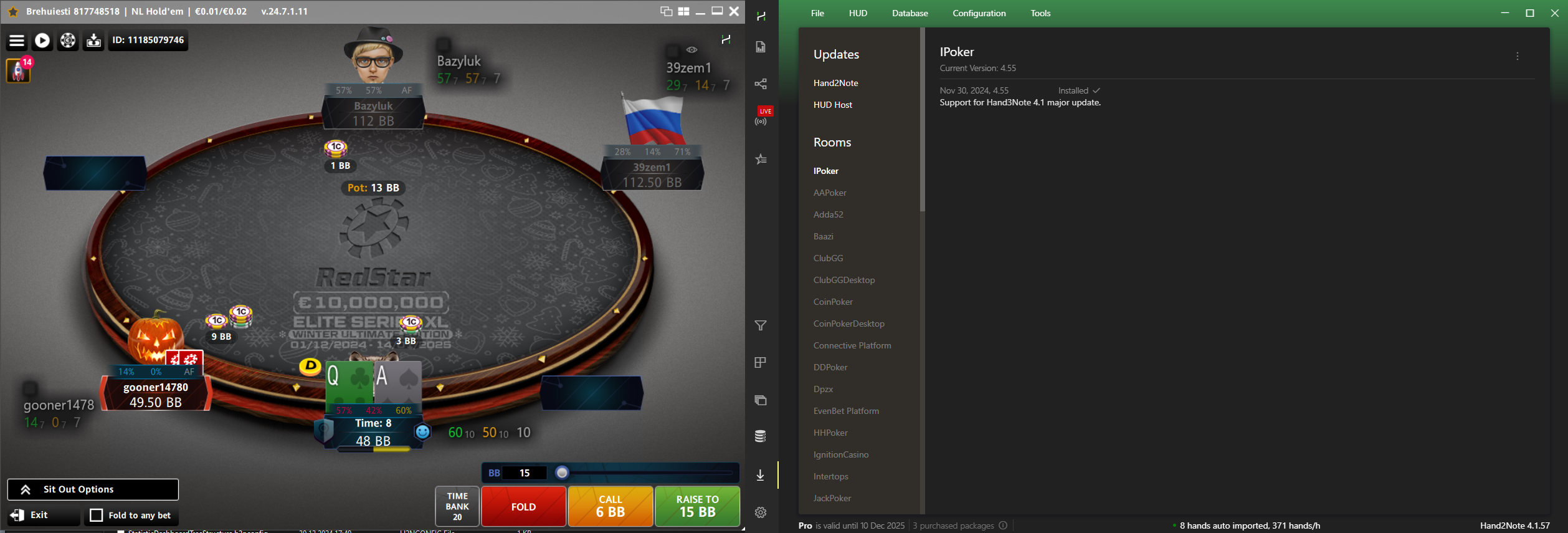
HUD for ACR on Mac?
I've been using H2N on a windows PC for some time and the HUD always worked automatically.
I thought I might switch over to using a mac for poker - H2N is auto importing hands from ACR, but I don't seem to be able to get the HUD to work? Any suggestions? Does the HUD work on Macs for ACR?
thanks
sean
3 Replies
Hello!
Yes, Hand2Note 4.1 on macOS does support ACR.
Could you please check the auto import settings for WPN?
1. First of all, make sure the room is running in English.
2. Open Hand Histories tab in the WPN settings
3. Check the boxes Save Hand History and Save Tournament Summary.
4. Add both of these folders in Configuration -> Auto Import - Add auto import folder.
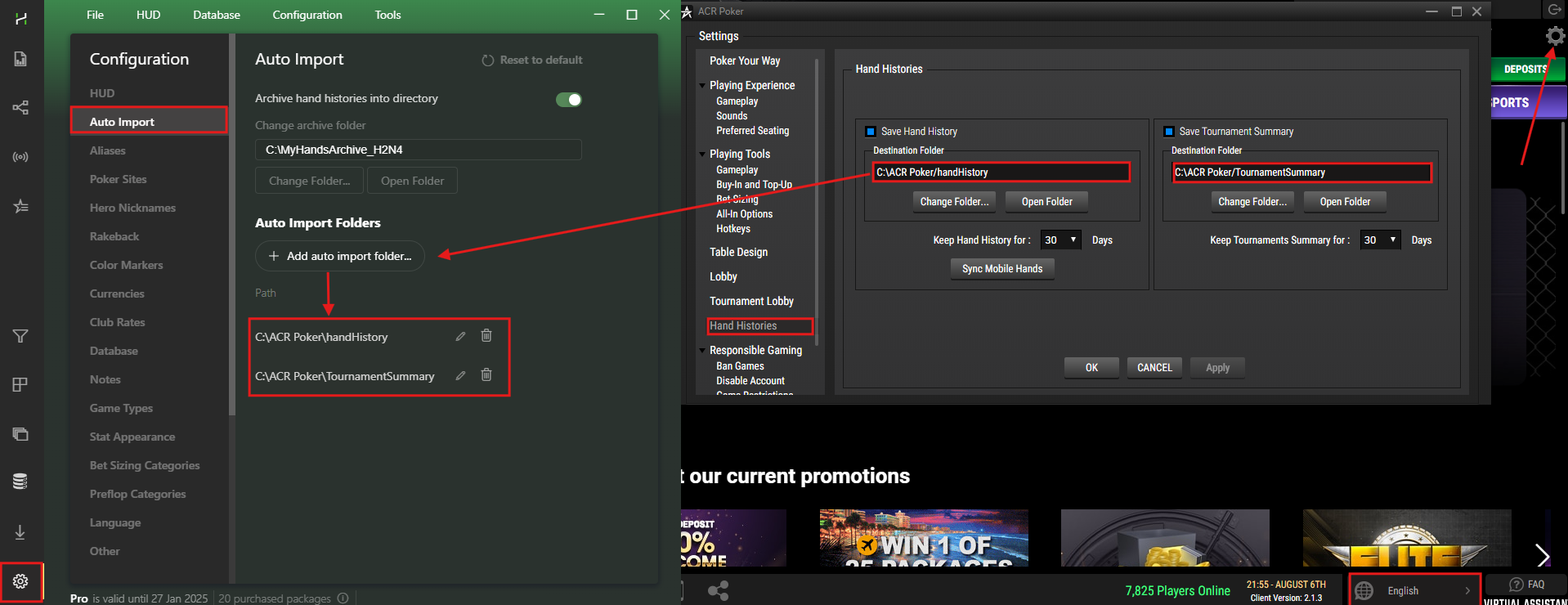
If this did not help, please let us know so we can look into the issue further.
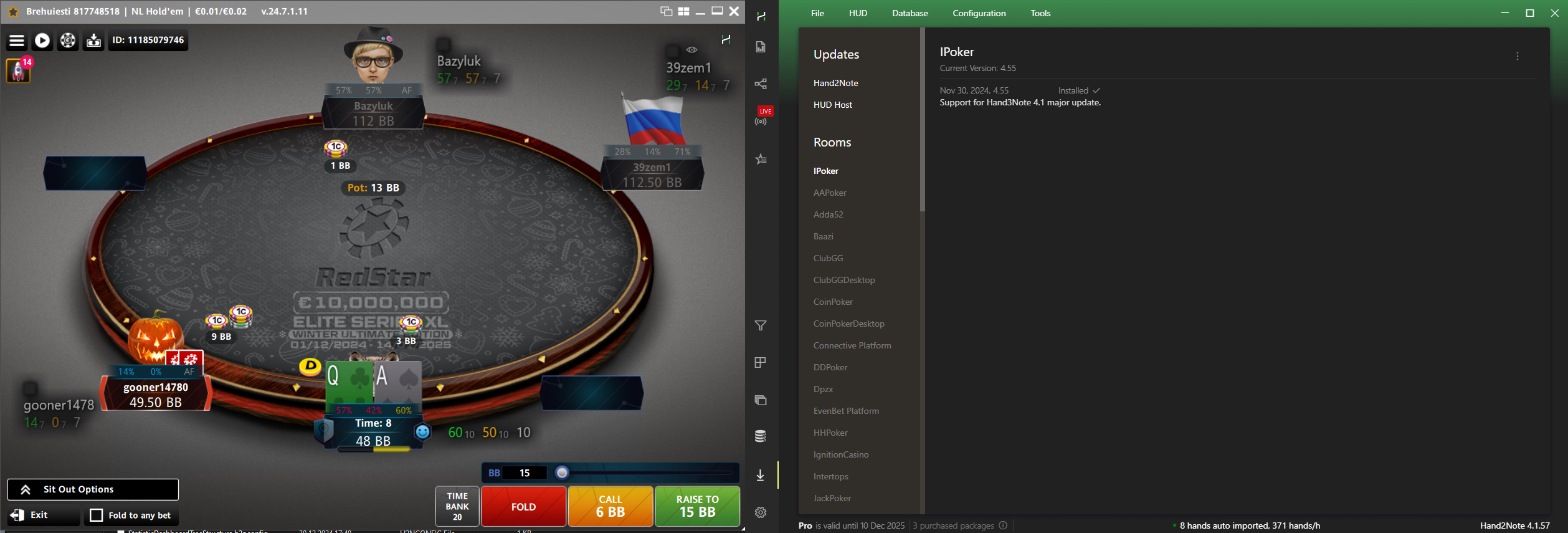
Could you please take a screenshot where we can see your table and Hand2Note window while playing?
Make sure to screenshot full windows with all borders in the frame.
In Hand2Note 4.1, open the Session section.
Example:
[
The auto import is working fine on the Mac. The session stats in H2N are correct and up to date when I refresh them.
But I do not get the HUD. Neither in regular tables nor blitz.
sean
The auto import is working fine on the Mac. The session stats in H2N are correct and up to date when I refresh them.
But I do not get the HUD. Neither in regular tables nor blitz.
sean
Hello!
Could you please take a screenshot where we can see your table and Hand2Note window while playing, please?
Make sure to screenshot full windows with all borders in the frame.
In Hand2Note 4.1, open the Session section.
It will help us to find where a problem is faster.