cant open h2n on my mac
cant open h2n on my mac
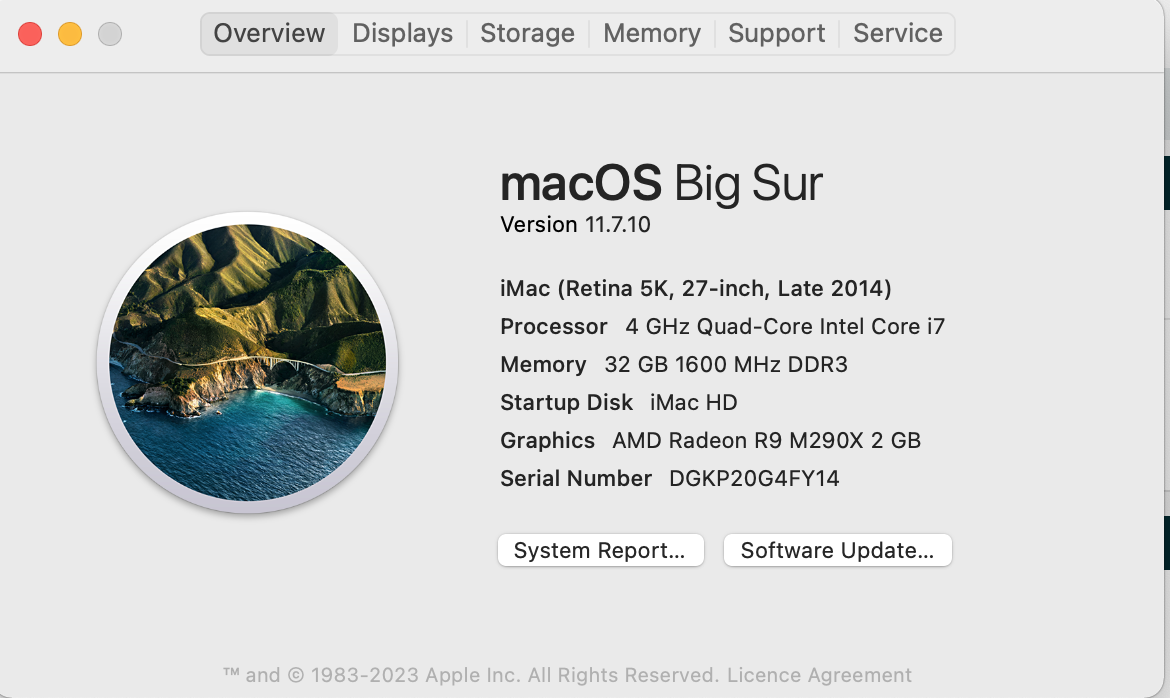
ive downloaded it and when i try to open it i get this message and if i try to reopen it i just get the same message, can anyone help please?

Reply...
1 Reply
Earlier posts are available on our legacy forum HERE
Hello!
Could you please try the following steps?
1) Delete the folder Documents\Hand2Note4.1\
2) Download the Intel version again: [Version for MAC](https://h2n.blob.core.windows.net/macos-hand2note4-1/Hand2NoteInstaller-x64.dmg)
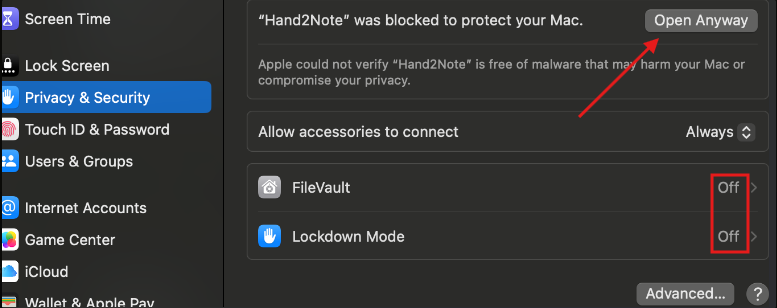
Additionally, try disabling FileVault and Lockdown Mode, and make sure macOS is not blocking the execution of apps downloaded outside the App Store.

Reply...
