DriveGTO Poker Solver

Master every decision, one EV tree at a time.
DriveGTO gives you pro-level GTO analysis with intuitive ranges, EV breakdo

Can it be used for PLO?
When I export a hand from DriveHUD as plain text or raw text, then import from clipboard into GTO, I get the error message "The given key 'flop' was not in the dictionary."
What does that mean and how do I fix it?
So I had J7o in the BB and got a walk. I put the hand through the solver to see whether I should bet out on a J high flop. But that hand was out of the range of hands solved. Is there a way around this exclusion?
When I export a hand from DriveHUD as plain text or raw text, then import from clipboard into GTO, I get the error message "The given key 'flop' was not in the dictionary."
What does that mean and how do I fix it?
If you have drivehud, you can just synch the hands directly from the DH database so you don't have to export.
As far as ytour other post, can you DM me the hand in raw format so I can check it. ty.
Is there going to be a Youtube how-to video soon? I've read over the manual repeatedly and still don't fully understand what I'm looking at. Haven't been able to open the node locking sliders either, despite a lot of clicking.
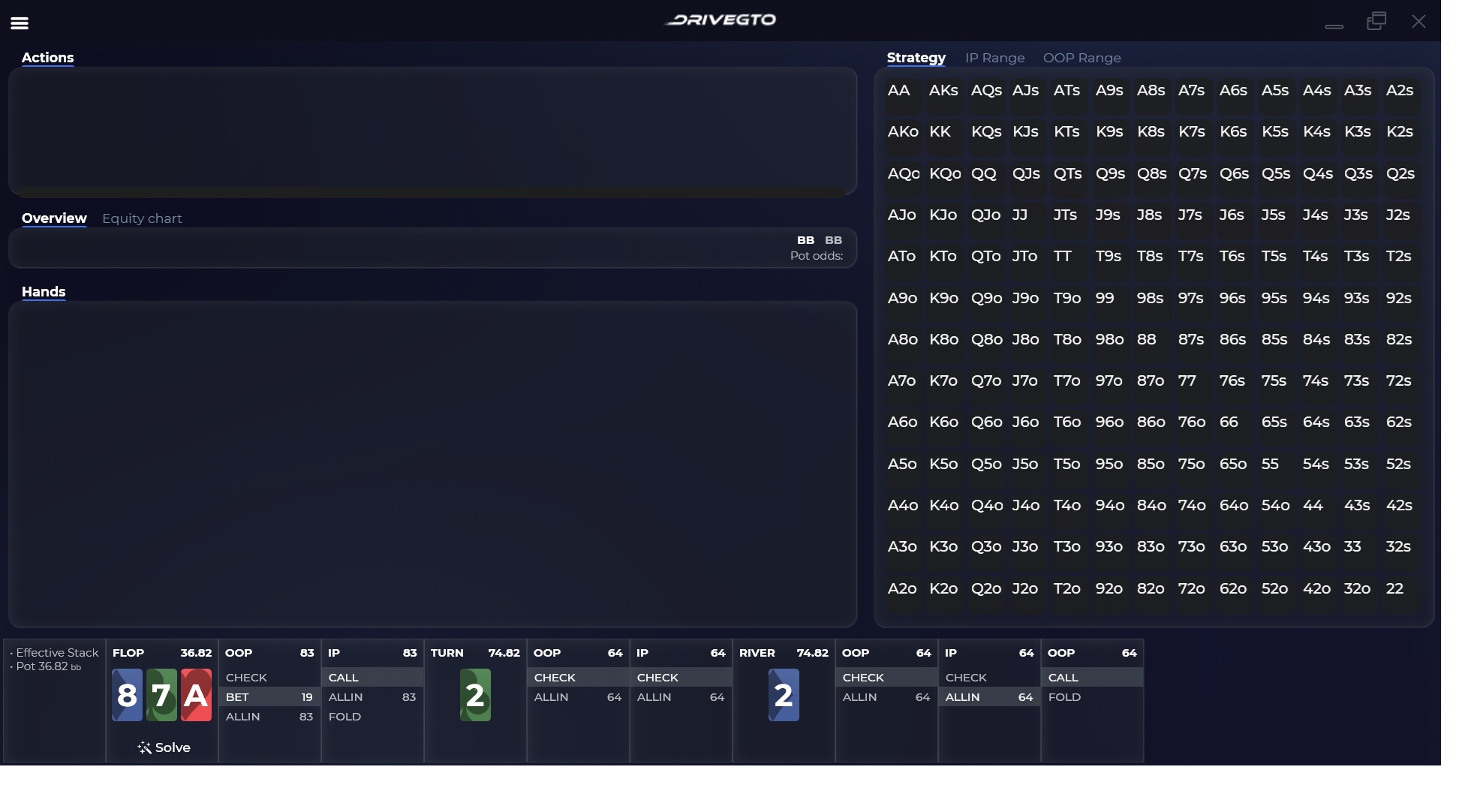
^^^Extreme upper left parallel lines. I can see it.
I don't see any sort of hamburger menu anywhere... am I missing something? (version 1.0.4.128) **I see there is a newer version, (.v1.0.5.575) but it doesn't auto-update... is there a direct link download anywhere?**
It's in this thread if you scroll back a page.
https://drivehud.com/poker-hud/DriveGTO-...
The menu is at the top left. I can see it in your screenshot. That's a typical context menu in windows.
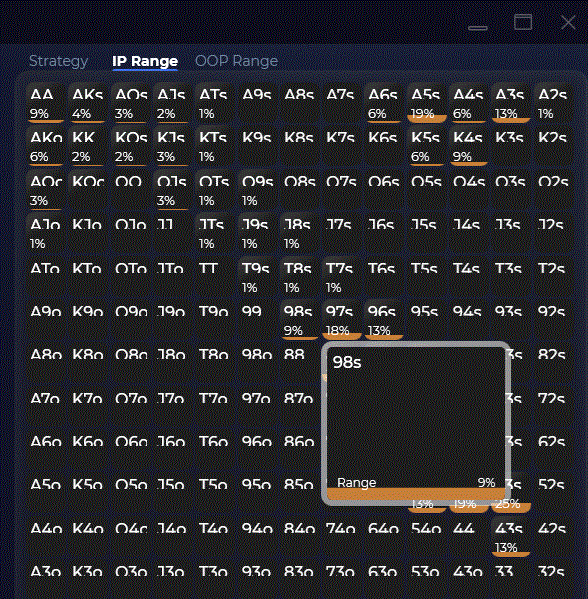
In this screen shot, what does the "9% range" refer to? 98s is 9% of the total range??
Some more questions I couldn't answer from the manual:
When setting bet sizes, the graduations are in BB, not dollars, correct?
What exactly does the "All in threshold" regulate? Mine is set at 67%. All in becomes an option at 67% equity?? Or when stack is 67% of pot??
On the bet sizing panel there are little plus signs that apparently add new bets. These new bets are reraises on the same street?

It's in this thread if you scroll back a page.
https://drivehud.com/poker-hud/DriveGTO-...
The menu is at the top left. I can see it in your screenshot. That's a typical context menu in windows.
yeah, for some reason I was thinking you could set it up where DriveGTO was continuously importing the hands from DriveHUD (rather than manually having to do it)... no worries, I was really looking for a "hamburger" looking icon, and thought maybe it was introduced in the latest version... thanks!
Some more questions I couldn't answer from the manual:When setting bet sizes, the graduations are in BB, not dollars, correct?What exactly does the "All in threshold" regulate? Mine is set at 67%. All in becomes an option at 67% equity?? Or when stack is 67% of pot??On the bet sizing panel there are little plus signs that apparently add new bets. These new bets are reraises on
Your previous question, the 9% is the frequency that you should bet (orange) w/ that hand. The amount is shown at the top left. So most of the time you check, a small% you bet X amount.
The all in threshold is stack size. If the raise is more than that %, then just go all-in.
Well you can add multiple different bet sizes, so you can get advice on how often you should bet those amounts. It's still the same action, but you can get advice on multiple different flop, turn or river sizings. Adding raises would be the same concept. If you raise (just one action), what sizes are ideal.
yeah, for some reason I was thinking you could set it up where DriveGTO was continuously importing the hands from DriveHUD (rather than manually having to do it)... no worries, I was really looking for a "hamburger" looking icon, and thought maybe it was introduced in the latest version... thanks!
It will continually pull new hands when you load that menu. It's automatically pulling your latest data from your Drivehud database.
It will continually pull new hands when you load that menu. It's automatically pulling your latest data from your Drivehud database.
so when I go to "import history" from "DH2 database", am I inputting a location like this? (C:\Users\User\AppData\Roaming\DriveHUD 2\drivehud.db)... I am trying that, but it just gets stuck at loading it seems... I have about 7k hands in the current database, so do I just let it sit for a bit and let it collect? Is this correct, or am I missing something?
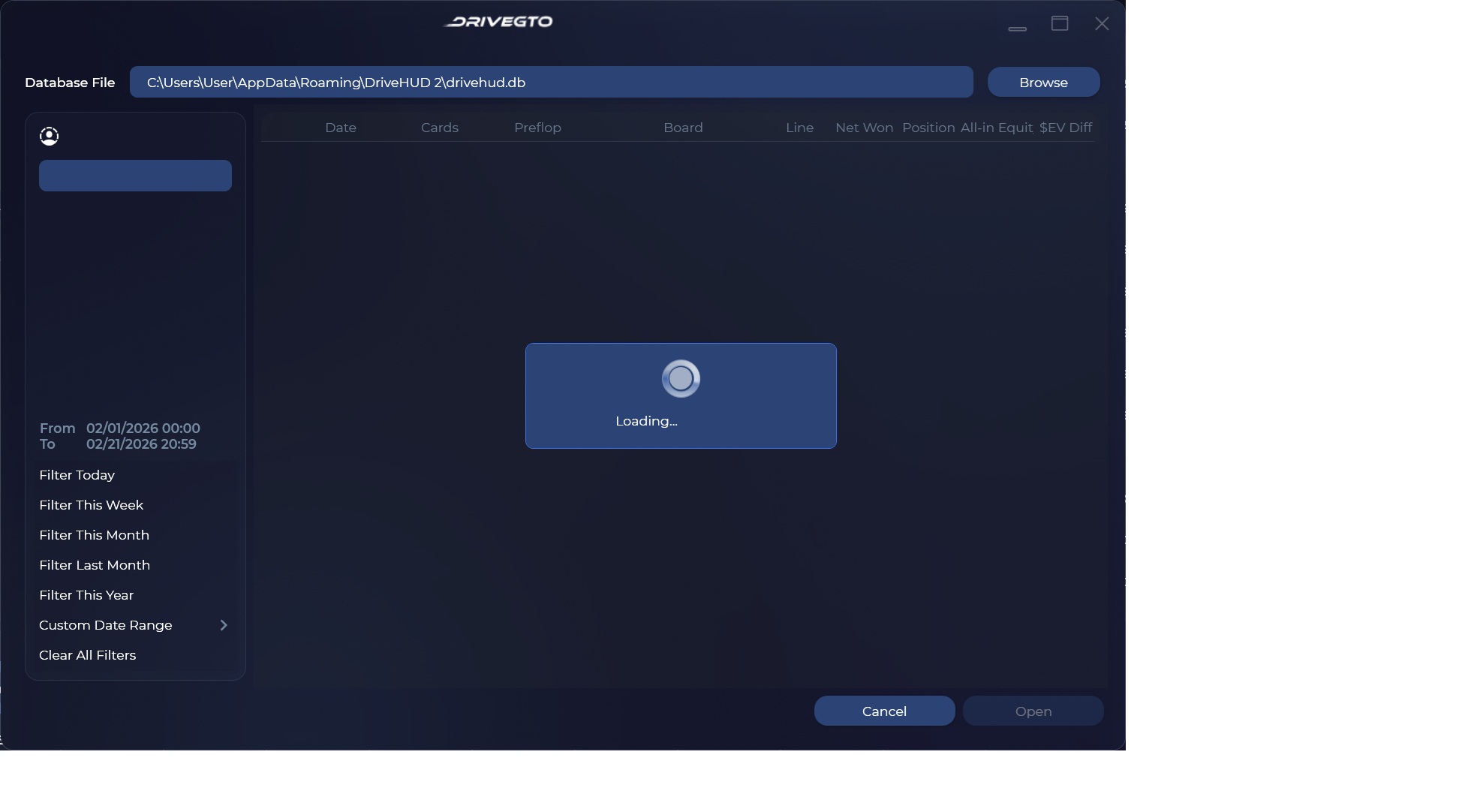
so when I go to "import history" from "DH2 database", am I inputting a location like this? (C:\Users\User\AppData\Roaming\DriveHUD 2\drivehud.db)... I am trying that, but it just gets stuck at loading it seems... I have about 7k hands in the current database, so do I just let it sit for a bit and let it collect? Is this correct, or am I missing something?
Correct. It should be pretty instant. Probably best to just send a log to support. The GTO file is here:
C:\Program Files\Ace Poker Solutions\DriveGTO\Logs\drivegto.txt
Correct. It should be pretty instant. Probably best to just send a log to support. The GTO file is here:
C:\Program Files\Ace Poker Solutions\DriveGTO\Logs\drivegto.txt
I finally got it to work correctly... for some reason I had to create a shortcut on my desktop to the database file. and opening from there it worked. thanks for responding, this makes a world of difference 😀
I finally got it to work correctly... for some reason I had to create a shortcut on my desktop to the database file. and opening from there it worked. thanks for responding, this makes a world of difference 😀
Ok, good. That's strange though. I'll ask the dev team about this. Glad it's working for you.

The social media presence of the solvers are full of people saying they are baffled by the mechanics of using solvers. Drive prides itself on being accessible, so I hope it will produce some better basic instruction materials. A simple step-by-step of setting up a first sim would go a long way to making Drive more usable. I keep getting erratic results suggesting so many all-ins. Is this from setting the bet sizing wrong? What are sensible bet sizes to begin with? And the below panel baffles me. What does the blue rectangle signify? What is meant by "Bet 1" and "All-in 98?" I've reread the instruction manual and am still baffled.

The social media presence of the solvers are full of people saying they are baffled by the mechanics of using solvers. Drive prides itself on being accessible, so I hope it will produce some better basic instruction materials. A simple step-by-step of setting up a first sim would go a long way to making Drive more usable. I keep getting erratic results suggesting so many all-in
I hear you. The goal was to make it as easily usable as possible. We'll be releasing some new tutorials soon. We've been just accumulating feedback and making small adjustments since release. I'll be posting a new build hopefully tomorrow with some more of these small changes to make it even easier to understand.


